
Bakery Manage: Store Simulator
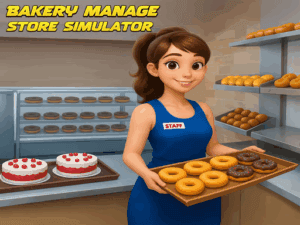
Bakery Manage: Store Simulator Unblocked is a first-person shop sim where you run the register at a bakery in Doughville. The twist: you never bake anything. You stock the shelves, scan the pastries, count out the change, and try to keep the line moving before anyone gets impatient. Free browser game, nothing to download.
It starts small and quiet: grab the delivery box sitting outside, load the donuts onto an empty shelf, then flip the Closed sign and let the first customers in. From there the day compounds. Restocking happens between customers, ordering happens at the computer in the back, and ordering badly is its own punishment — buy more waffles than you have shelf space for and you're suddenly shopping for refrigerators instead of serving anybody.
Profits buy upgrades, new products and more display space, until the shop everybody ignored becomes the one the whole town lines up for. As store management browser games go, this one is unusually calm about the pressure — the clock matters, but nobody is yelling at you. It's free and instant, like the rest of our simulation games unblocked. Open the shop.
Whip up laughs (and virtual lasagna) in our Cooking games—no smoke alarms required! 🍳
How to Play
The goal is simple: keep the shelves full and the line short. Start by picking up the delivery box waiting outside the shop, stack the donuts on an empty shelf, then flip the Closed sign to open for business. Customers arrive as soon as you do, so don’t open with empty shelves.
After that it’s a loop: scan, take payment, restock, repeat. When stock runs low, head to the computer in the back and order more — waffles, donuts, pastries, bread. Order carefully, though: anything you can’t fit on a shelf forces you to buy more shelving or refrigerators, which eats the profit you just made.
Watch the patience of whoever is waiting, since a customer who gives up walks out without buying. Reinvest what you earn into upgrades and new products, and the store grows from there.
Controls
PC / Desktop
- Move: WASD
- Select Products: MOUSE Click
Mobile
- Move: DRAG
- Select Products: TAP
- Navigate Screens: SWIPE